

-
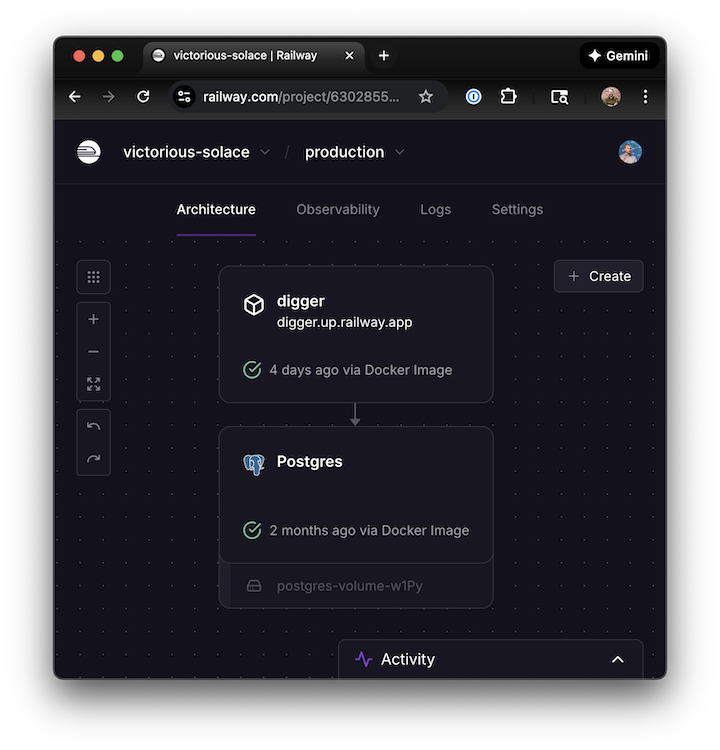
Use the following template. It will create the Digger + PostgreSQL services and prepopulate many of the necessary environment variables.
 📢 DISCLOSURE: This template was created by @sidpalas. He will recieve a (small) payment if you use it from the Railway template kickback program.
-
Set your GitHub organization name (or username, if the repo you plan to use belongs to an individual user).

- Deploy.
-
Navigate to the pubilc domain for the Digger service (
Settings > Public Networking).
-
Create the GitHub App
Navigate to
your_digger_hostname/github/setupand sign in with theHTTP_BASIC_AUTH_USERNAMEandHTTP_BASIC_AUTH_PASSWORDvalues. These are geneated automatically by Railway when performing the initial deployment and can be retrieved from theVariablestab for the Digger service.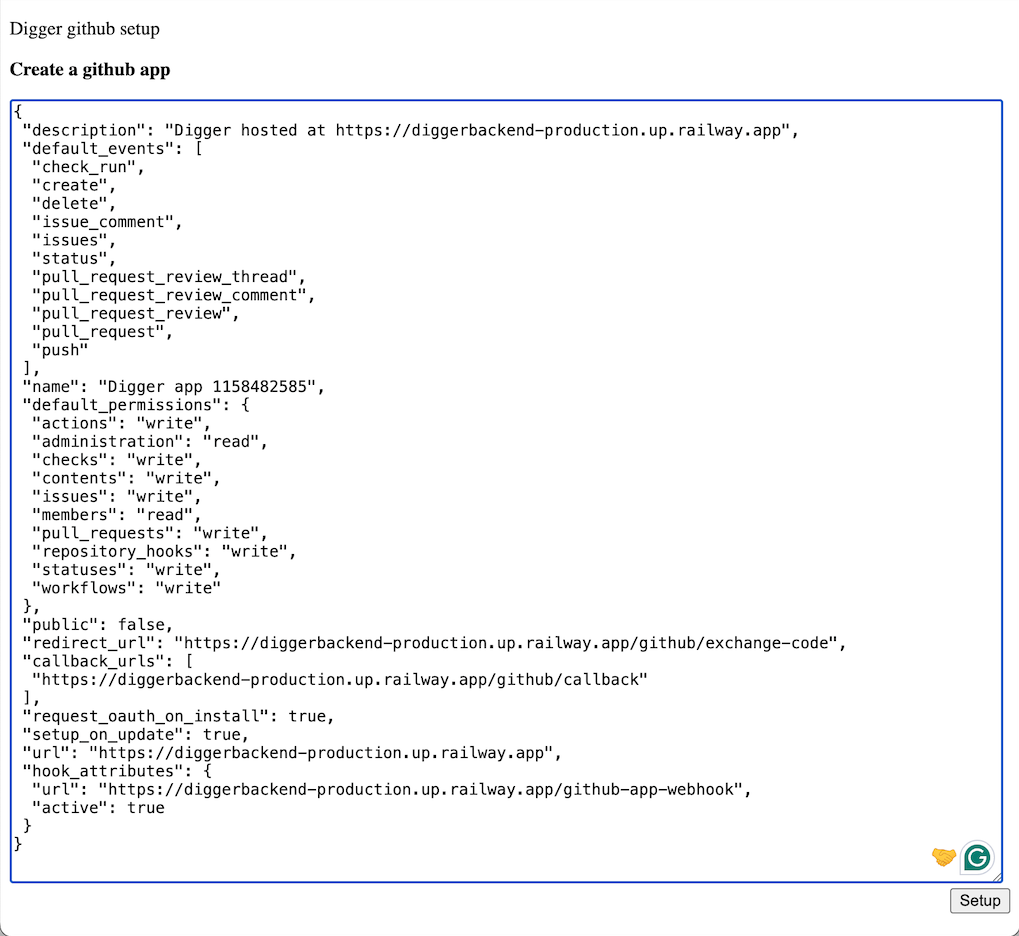
-
After creating the GitHub app, copy the provided values into their corresponding environment variables (overwriting the placeholder
REPLACE_ME_AFTER_GH_APP_CREATIONvalues):💡 Tip: When copying base64 values (e.g. the app key file), double clicking the text often does NOT select any trailing=characters. Make sure to copy them too! - Redeploy.
- Create a PR to verify Digger is working properly.